
Coin Scanner - Coinx icon

coin scanner app for iPhone

Coin Scanner - Coinx

Identify and value coins

Coin Scanner - Coinx is built for the moment when you have a coin in your hand and want a faster starting point than manual searching. It helps beginners and collectors move from photo to useful context on iPhone.

Rating: 4.3 / 5 · Rating count: 20 Updated 2026-05-25 English
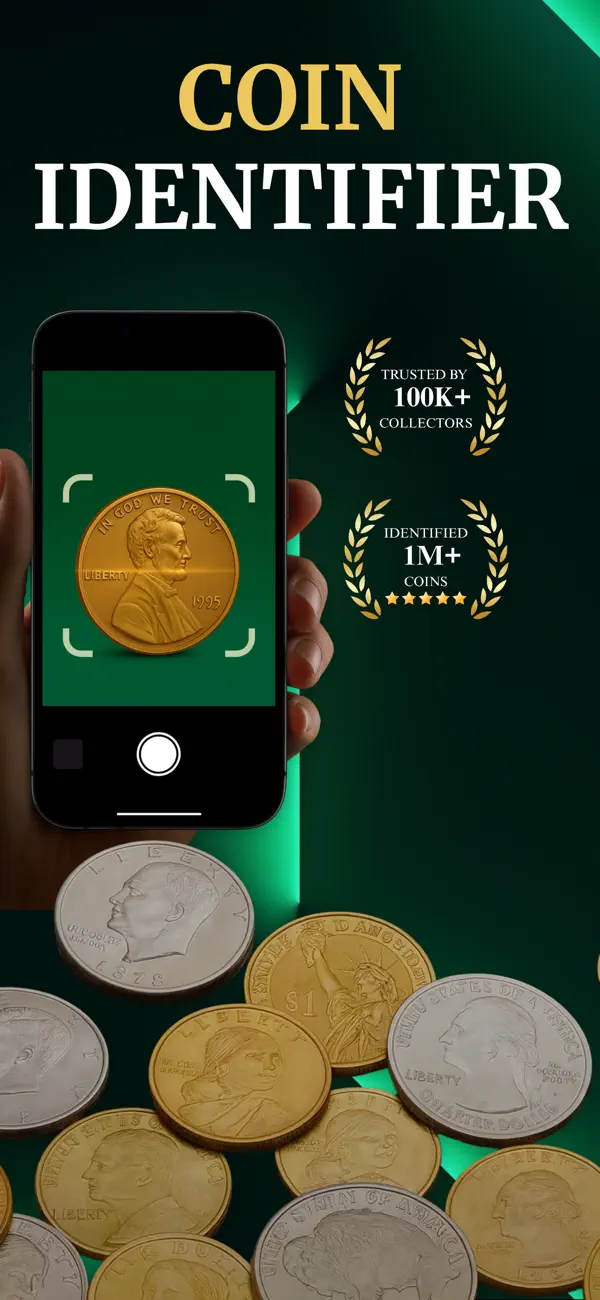
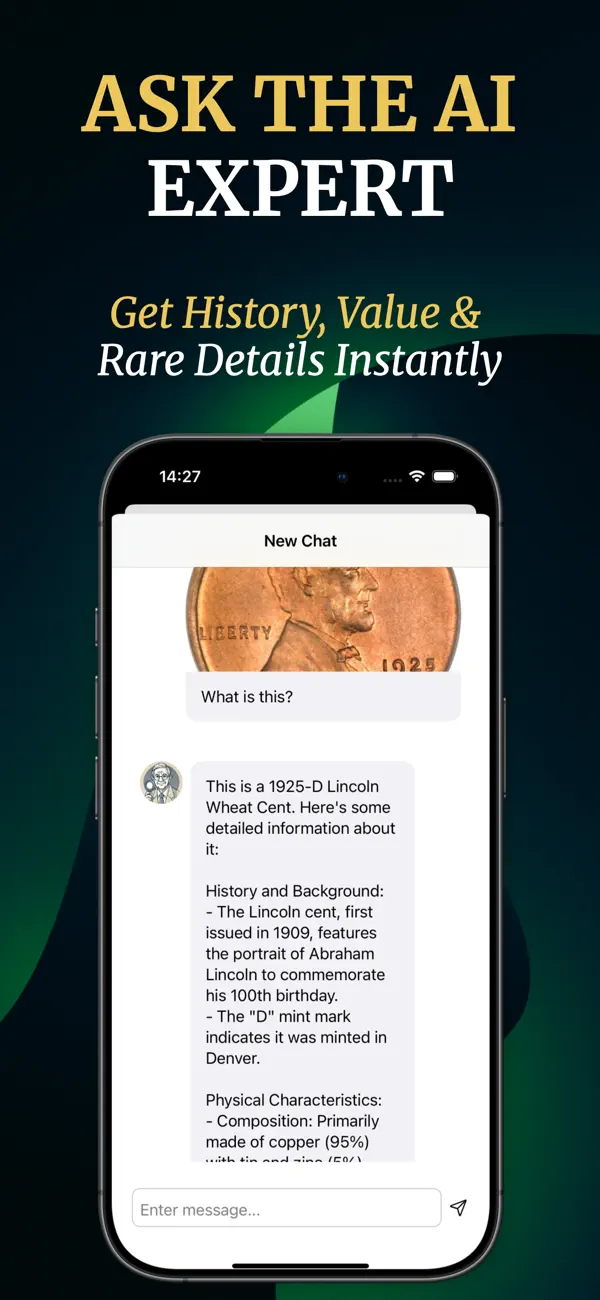
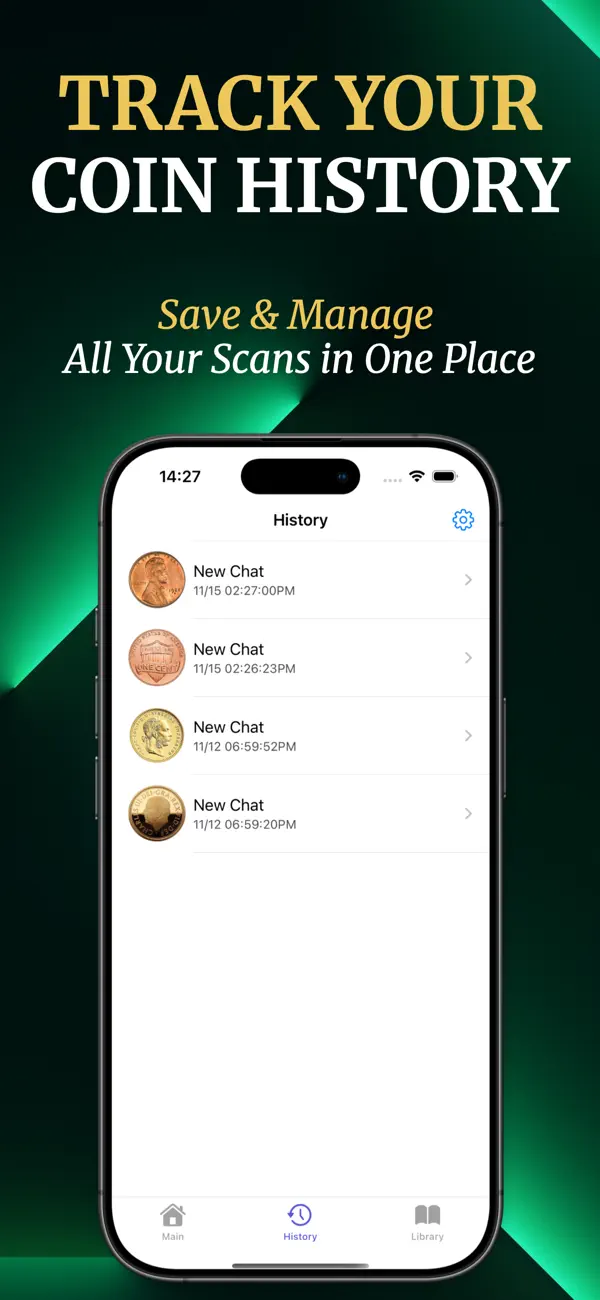
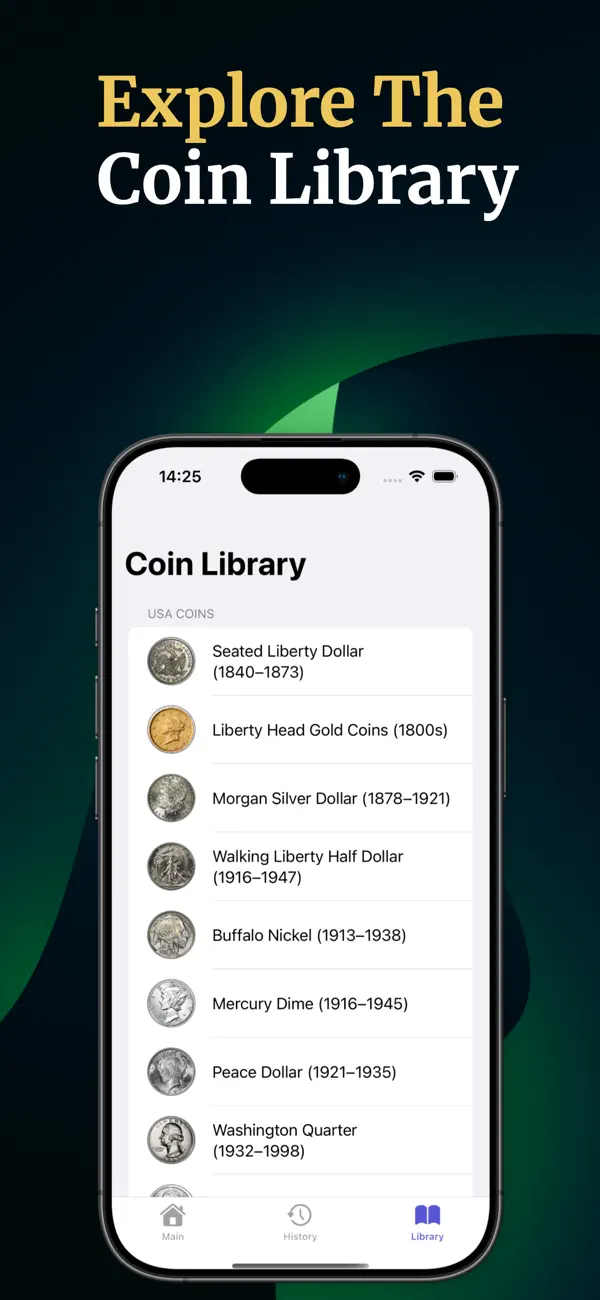
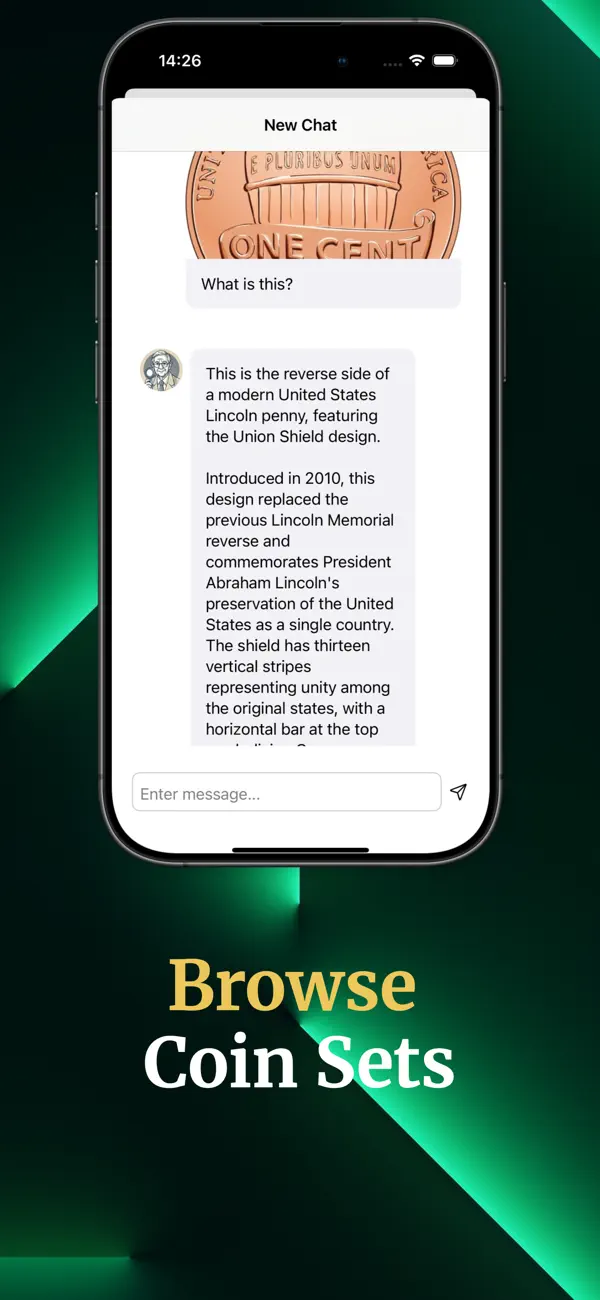
Coin Scanner - Coinx App Store screenshot 1 Coin Scanner - Coinx App Store screenshot 2 Coin Scanner - Coinx App Store screenshot 3

What it helps you do

A focused reference app for iPhone

Use it to identify coins, organize what you are looking at, and get a clearer direction for further research. It is especially useful when you are sorting inherited coins, checking a small collection, or trying to understand foreign coins without already knowing the exact name.

  • Beginners sorting loose or inherited coins
  • Collectors who want a quick photo-first lookup
  • People comparing coin details before deeper research

Real-world fit

Make the page answer the same question the user typed into Google

App Store listing summary

Coin Scanner - Coinx

Coin Scanner - Coinx Value Identifier: Discover the Secrets of Your Coins! Coin Scanner is your ultimate tool for identifying and learning about various coins effortlessly. Whether you're a numismatist, a collector, or just curious about a coin you found, this app provides an easy and interactive way to uncover the hidden details of coins. Key Features: Instant Coin Identification: Simply take a photo or upload an image from your gallery, and let the app identify the coin and provide detailed information.

The official listing gives the visitor a quick sense of the promise, while the rest of this page adds the practical checks that help them decide.
Why this matters

coin scanner app for iPhone

Use it to identify coins, organize what you are looking at, and get a clearer direction for further research. It is especially useful when you are sorting inherited coins, checking a small collection, or trying to understand foreign coins without already knowing the exact name.

Coin Scanner - Coinx is strongest when the visitor already has a specific job: identify coins from photos and understand what they might be. The page should help them decide whether this focused workflow is better than searching through a broad app category.

App Store screenshots

App Store screenshots, explained

Screenshots are treated as evidence: what the visitor should look for, how the workflow feels, and whether the app matches the task.

Real use cases

When this app makes sense

Reference

Identifying an unknown coin from a phone photo

Identifying an unknown coin from a phone photo is a realistic reason to compare Coin Scanner - Coinx. A visitor who arrives from Google should understand the situation, the expected result, and the next check before they leave for the App Store.

Use cases

Separating obvious finds from coins that need expert review

Separating obvious finds from coins that need expert review is a realistic reason to compare Coin Scanner - Coinx. A visitor who arrives from Google should understand the situation, the expected result, and the next check before they leave for the App Store.

Use cases

Building a first pass over a mixed collection

Building a first pass over a mixed collection is a realistic reason to compare Coin Scanner - Coinx. A visitor who arrives from Google should understand the situation, the expected result, and the next check before they leave for the App Store.

How it works on iPhone

A better evaluation workflow

01

Photograph both sides in clear light

Photograph both sides in clear light. This keeps the first session tied to a real goal instead of a vague browse.

02

Review the suggested match and visible details

Review the suggested match and visible details. The useful part is comparing the result against the decision you actually need to make.

03

Compare year, mint mark, material, and condition

Compare year, mint mark, material, and condition. Small checks reduce surprises before you move from page research to App Store download.

04

Use values as context, not as a formal appraisal

Use values as context, not as a formal appraisal. If the workflow feels right, the App Store link is the clean next step; if not, the related guides help compare alternatives.

Before you download

What to verify before choosing it

Best for

  • Beginners sorting loose or inherited coins
  • Collectors who want a quick photo-first lookup
  • People comparing coin details before deeper research

Be careful about

  • Coin values depend heavily on condition, rarity, market demand, and verification.
  • You need a certified appraisal or authentication for a high-value coin.

App Store

Official App Store details to check

These details help the visitor check freshness, device fit, category, rating signals, and store context before opening the download page.

App Store name Coin Scanner - Coinx
Category Reference
Rating 4.3 / 5
Rating count 20
Age rating 4+
Version 6.70.1
Updated 2026-03-31
Size 33 MB
Minimum iOS iOS 16.6
Seller Mustafa Utku Coskun

Ways people search for this

coin scanner app for iPhone

coin scanner app for iPhone coin scanner app

These phrases describe the same user need in different words. They are included so visitors can recognize the exact task they came with, then continue into the app page or a practical guide.

Before you download

Make the download decision with fewer surprises

Decision pointWhat to know
Good fitYou need a quick identification workflow on iPhone.
Check firstCoin values depend heavily on condition, rarity, market demand, and verification.
Not ideal ifYou need a certified appraisal or authentication for a high-value coin.
Next stepScan a clear coin photo, then verify important finds with a specialist.

Guides

Helpful guides

Comparison

Best coin scanner app for iPhone: what to check before downloading

Best coin scanner app for iPhone: what to check before downloading helps you decide whether Coin Scanner - Coinx fits the real iPhone task behind coin scanner app for iPhone. It focuses on practical checks, realistic expectations, and what to do before opening the App Store.

Workflow

How to identify a coin with your iPhone camera with Coin Scanner - Coinx

How to identify a coin with your iPhone camera with Coin Scanner - Coinx helps you decide whether Coin Scanner - Coinx fits the real iPhone task behind identify a coin with your iPhone camera. It focuses on practical checks, realistic expectations, and what to do before opening the App Store.

Workflow

Coin Scanner - Coinx use cases: who the iPhone app is best for

Coin Scanner - Coinx use cases: who the iPhone app is best for helps you decide whether Coin Scanner - Coinx fits the real iPhone task behind Coin Scanner - Coinx use cases. It focuses on practical checks, realistic expectations, and what to do before opening the App Store.

Comparison

Coin Scanner App comparison checklist for mobile users

Coin Scanner App comparison checklist for mobile users helps you decide whether Coin Scanner - Coinx fits the real iPhone task behind coin scanner app comparison checklist. It focuses on practical checks, realistic expectations, and what to do before opening the App Store.

Workflow

Coin Scanner - Coinx workflow guide: from first try to App Store decision

Coin Scanner - Coinx workflow guide: from first try to App Store decision helps you decide whether Coin Scanner - Coinx fits the real iPhone task behind coin scanner app workflow. It focuses on practical checks, realistic expectations, and what to do before opening the App Store.

Comparison

Coin Scanner App guide for international iPhone users

Coin Scanner App guide for international iPhone users helps you decide whether Coin Scanner - Coinx fits the real iPhone task behind coin scanner app in different languages. It focuses on practical checks, realistic expectations, and what to do before opening the App Store.

Languages

Read this page in another language

FAQ

Before you download

Can Coinx identify old coins?

It can help you start the identification process from a photo, but rare or valuable coins still deserve expert verification.

Are values guaranteed?

No. Treat value information as an estimate or research cue, not a certified appraisal.

What makes a better scan?

Good light, a clean background, and photos of both sides usually help more than one quick angled shot.

Is it available for iPhone?

Yes. This page links directly to the App Store listing for Coin Scanner - Coinx.

What should I check before downloading?

Check the App Store screenshots, rating count, privacy details, subscription information, and whether the workflow fits your real task.